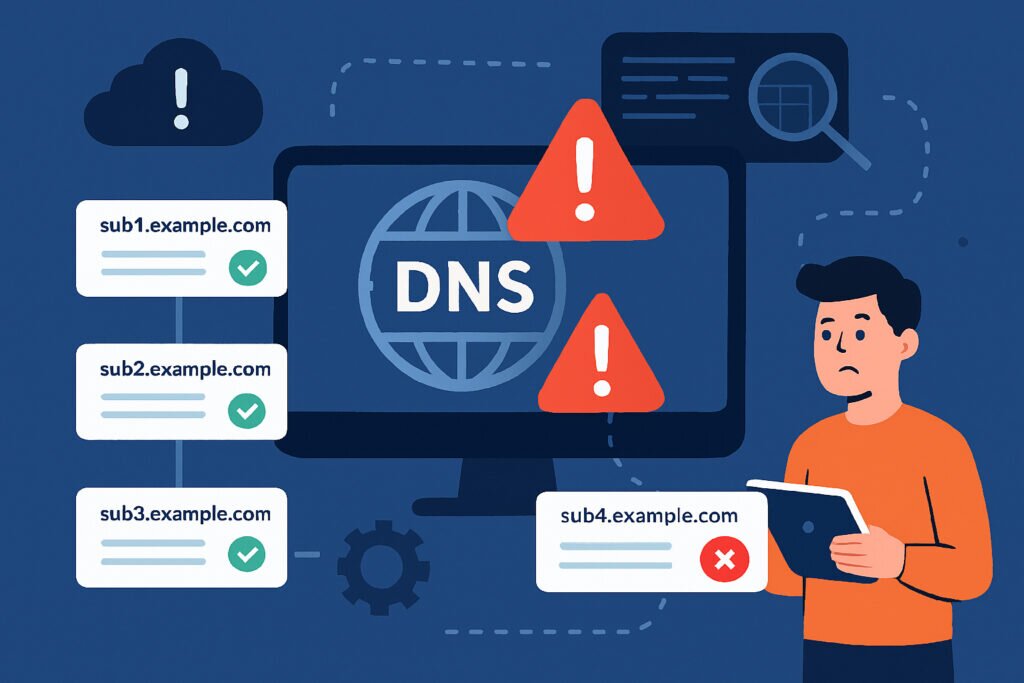
If you manage any kind of web infrastructure, you’re sitting on a potential security nightmare that most people don’t even realize exists. Those forgotten DNS records pointing to services you decommissioned months or years ago? They’re not just harmless leftovers. They’re open doors waiting for attackers to walk through.
I learned this the hard way when I discovered that a staging subdomain I’d forgotten about was pointing to an AWS S3 bucket we’d deleted two years earlier. Someone had claimed that bucket name and was serving their own content on our subdomain. We were lucky it was just spam and not something worse.
What Are Orphaned DNS Records?
An orphaned DNS record is essentially a pointer that still exists in your DNS configuration but points to a resource you no longer control or that no longer exists. Think of it like leaving your house key under the doormat long after you’ve moved out. The address still works, but you don’t own what’s at that address anymore.
These records accumulate naturally over time. You spin up a development environment, create a subdomain for a marketing campaign, set up a demo for a potential client, or configure email services. Then projects end, employees leave, contractors finish their work, and everyone forgets to clean up the DNS entries. The records just sit there, invisible and ignored.
The Real Risks You’re Facing
Subdomain takeover attacks are the most serious threat. Here’s how they work: you have a DNS record pointing to a service like GitHub Pages, AWS S3, Azure, or any cloud platform. You delete that resource but forget to remove the DNS record. An attacker notices this, claims the now-available resource name, and suddenly they control what appears on your subdomain.
This isn’t theoretical. It happens constantly. Attackers actively scan for these opportunities using automated tools that check thousands of domains daily. Once they control your subdomain, they can host phishing pages that look incredibly legitimate because they’re actually on your domain. They can steal credentials, distribute malware, or damage your reputation.
Email security compromises happen when orphaned MX records or SPF/DKIM configurations remain active. An attacker can potentially send emails that appear to come from your domain, bypassing many spam filters because the DNS records make everything look legitimate.
Last year, I consulted for a company that had acquired three smaller businesses. Nobody had bothered to audit the DNS records from those acquisitions. We found 47 active subdomains pointing to services that no longer existed. Several were pointing to cloud storage that could have been claimed by anyone.
How These Records Accumulate
The problem is structural. In most organizations, different people handle different parts of the infrastructure. A developer creates a subdomain for testing. The marketing team sets up a campaign microsite. IT configures email routing. Nobody maintains a central inventory of what exists or why.
When projects end, the actual services get shut down because they cost money. But DNS records? They’re free and invisible, so they get forgotten. There’s no automatic cleanup process, no expiration date, no reminder that they exist.
Common scenarios include testing environments that were needed for two weeks but remain in DNS for two years, old blog platforms where you migrated content but never removed the DNS records, previous email providers where MX records still point to services you cancelled, marketing campaigns from years ago with subdomains still active, and employee projects where the creator left the company and nobody documented what they built.
Finding Your Orphaned Records
Manual DNS audits are tedious but necessary if you want to understand what you’re working with. Start by pulling a complete list of all DNS records for your domain. Your DNS provider should have an export function. Then systematically check each record to verify it points to something you actually control and use.
For A and CNAME records, try visiting each subdomain in a browser. Does it load something you recognize? For MX records, verify they point to your current email service. Check SPF and DKIM records against your actual email configuration. Look for TXT records that might reference services you no longer use.
The problem is scale. If you have dozens or hundreds of subdomains, this manual process becomes impractical. You need automation, but building your own monitoring system means writing code to continuously query DNS records, track changes over time, verify that target services actually exist and are controlled by you, and alert when problems are detected.
Prevention and Ongoing Management
The solution isn’t just cleaning up once. You need processes to prevent accumulation going forward. Document everything when you create a new DNS record. Note why it exists, who requested it, what service it points to, and when it might no longer be needed.
Implement a review schedule. Quarterly DNS audits should be standard practice, just like reviewing user access permissions. During these audits, challenge every record: is this still needed? Does it point to something we control? Is it properly secured?
Use infrastructure-as-code for DNS management whenever possible. Tools like Terraform or similar configuration management systems create a documented, version-controlled record of your DNS configuration. This makes it much harder for orphaned records to hide.
The Bottom Line
Orphaned DNS records are technical debt that creates real security risks. They’re not just theoretical vulnerabilities that might someday cause problems. They’re actively exploited attack vectors that you can eliminate with proper management.
The longer you wait, the more records accumulate and the harder cleanup becomes. Start with an audit today. You’ll probably be surprised by what you find lurking in your DNS configuration. I certainly was, and I consider myself fairly careful about these things.
Your DNS records are part of your security perimeter. Treat them with the same attention you give to firewall rules and access controls, because attackers certainly do.