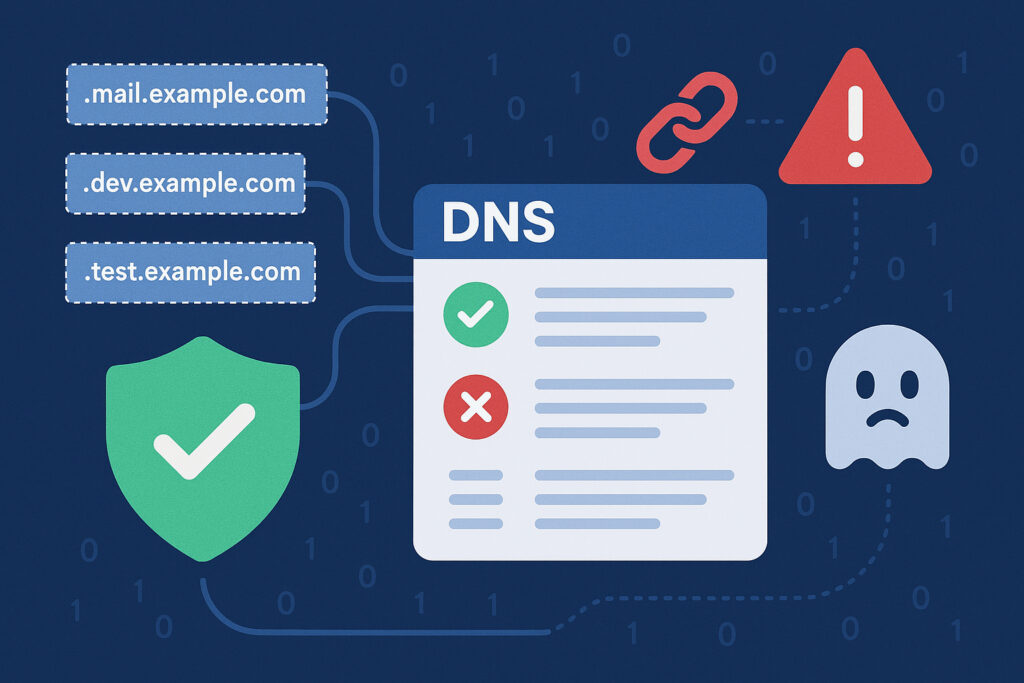
If you manage a domain, you’re probably familiar with DNS records – those A records, MX records, and CNAME entries that make your website and email work. But here’s what many people don’t realize: a single misconfigured DNS record can open a door for attackers, expose sensitive data, or bring down your entire online presence. I learned this the hard way when a forgotten CNAME record nearly cost a client their reputation.
DNS misconfigurations are more common than you might think, and they’re incredibly dangerous because they often go unnoticed for months or even years. Let’s explore the most critical DNS security gaps and how to protect yourself.
The Subdomain Takeover Threat
One of the most dangerous DNS misconfigurations involves orphaned CNAME records. This happens when you point a subdomain to an external service (like Heroku, AWS, or GitHub Pages) but then delete that external resource without removing the DNS record.
Here’s a real scenario: imagine you created blog.yourcompany.com and pointed it to a Heroku app. Later, you decided to shut down the blog and deleted the Heroku app. But you forgot to remove the CNAME record in your DNS settings. Now that CNAME still points to the Heroku address, but the app no longer exists. An attacker can claim that same Heroku app name and suddenly control your subdomain – serving malicious content under your trusted domain name.
I once worked with a marketing agency that had dozens of campaign subdomains pointing to long-deleted landing pages on various platforms. When we ran a DNS audit, we found seven subdomain takeover vulnerabilities. Any one of those could have been exploited to launch phishing attacks using their brand name.
Missing or Incorrect SPF Records
SPF (Sender Policy Framework) records tell email servers which IP addresses are allowed to send email on behalf of your domain. Without proper SPF configuration, spammers can easily forge emails that appear to come from your domain.
The problem gets worse when companies add multiple email services over time. You might start with Google Workspace, then add Mailchimp for newsletters, and later integrate a CRM that sends automated emails. Each addition requires updating your SPF record, but people often forget or misconfigure this step.
Common SPF mistakes include: having multiple SPF records (only one is allowed), exceeding the 10 DNS lookup limit, forgetting to include “-all” or “~all” at the end, and missing third-party services that send email on your behalf.
A misconfigured SPF record won’t just hurt your email deliverability – it creates a security gap that attackers exploit for business email compromise and phishing campaigns.
DMARC: The Missing Layer
Even fewer organizations implement DMARC (Domain-based Message Authentication, Reporting and Conformance), which builds on SPF and DKIM. DMARC tells receiving mail servers what to do when an email fails authentication checks.
Without DMARC, you have no visibility into who’s trying to spoof your domain. With DMARC set to “p=none” (monitoring mode), you receive reports about authentication failures but don’t block anything. This is actually a great first step because you’ll discover legitimate services sending email on your behalf that you forgot to include in your SPF record.
Moving to “p=quarantine” or “p=reject” policies significantly reduces phishing risks, but many organizations never make this leap because they fear breaking legitimate email flows.
Dangling A Records and Forgotten Servers
A records point your domain or subdomain to specific IP addresses. Over time, you might decommission servers, change hosting providers, or restructure your infrastructure. If you don’t update your A records accordingly, you leave doors open.
Last year, I discovered an A record pointing to an IP address that was no longer under the company’s control. The hosting provider had reassigned that IP to a different customer. Anyone using that IP could potentially intercept traffic intended for the original subdomain – especially problematic if users still had old bookmarks or links.
This becomes even more serious with wildcard DNS records. A wildcard like *.example.com catches all subdomains that don’t have explicit records. If configured carelessly, it might direct traffic to servers that don’t properly validate requests, creating opportunities for attackers.
CAA Records: Certificate Authority Authorization
CAA records specify which certificate authorities are allowed to issue SSL certificates for your domain. Without CAA records, any certificate authority can potentially issue a certificate for your domain – which is exactly what happened in several high-profile attacks.
Implementing CAA records is straightforward, but many organizations skip this step. A simple CAA record might specify that only Let’s Encrypt or DigiCert can issue certificates for your domain. This prevents attackers from obtaining fraudulent certificates from less reputable CAs.
The Time-to-Live (TTL) Problem
TTL values determine how long DNS records are cached. Setting TTL too high means that if you need to make an emergency change (like redirecting traffic away from a compromised server), the old information will persist in caches worldwide for hours or days.
Conversely, extremely low TTL values increase DNS query traffic and can slow down your website. Finding the right balance matters, and many people never adjust the default values their DNS provider sets.
Regular DNS Audits Are Essential
DNS configurations aren’t “set and forget.” Your digital infrastructure evolves constantly – new subdomains appear, old services are retired, email providers change, and infrastructure gets reorganized. Each change creates potential for misconfiguration.
Schedule quarterly DNS audits to review all your records. Check for orphaned CNAMEs, verify SPF includes all current email services, ensure DMARC policies match your security needs, and remove A records pointing to decommissioned servers. Automated monitoring tools can alert you immediately when DNS changes occur unexpectedly, catching both mistakes and potential attacks.
Frequently Asked Questions
How can I check if my DNS records are properly configured? Use online DNS checking tools like MXToolbox or DNSChecker. For comprehensive security audits, specialized tools can scan for subdomain takeovers and other vulnerabilities.
What’s the biggest DNS security mistake? Forgetting to remove DNS records when you decommission services or infrastructure. These orphaned records are the leading cause of subdomain takeovers.
Do I really need DMARC if I have SPF? Yes. SPF alone doesn’t prevent spoofing – it just provides information. DMARC enforces policies and gives you visibility into authentication failures.
How often should I review my DNS configuration? At minimum quarterly, but ideally you should monitor DNS changes continuously with automated tools that alert you to unexpected modifications.
DNS misconfigurations create invisible security gaps that attackers actively exploit. The good news is that fixing these issues is straightforward once you know what to look for. Don’t wait until a security incident forces your hand – audit your DNS records today.