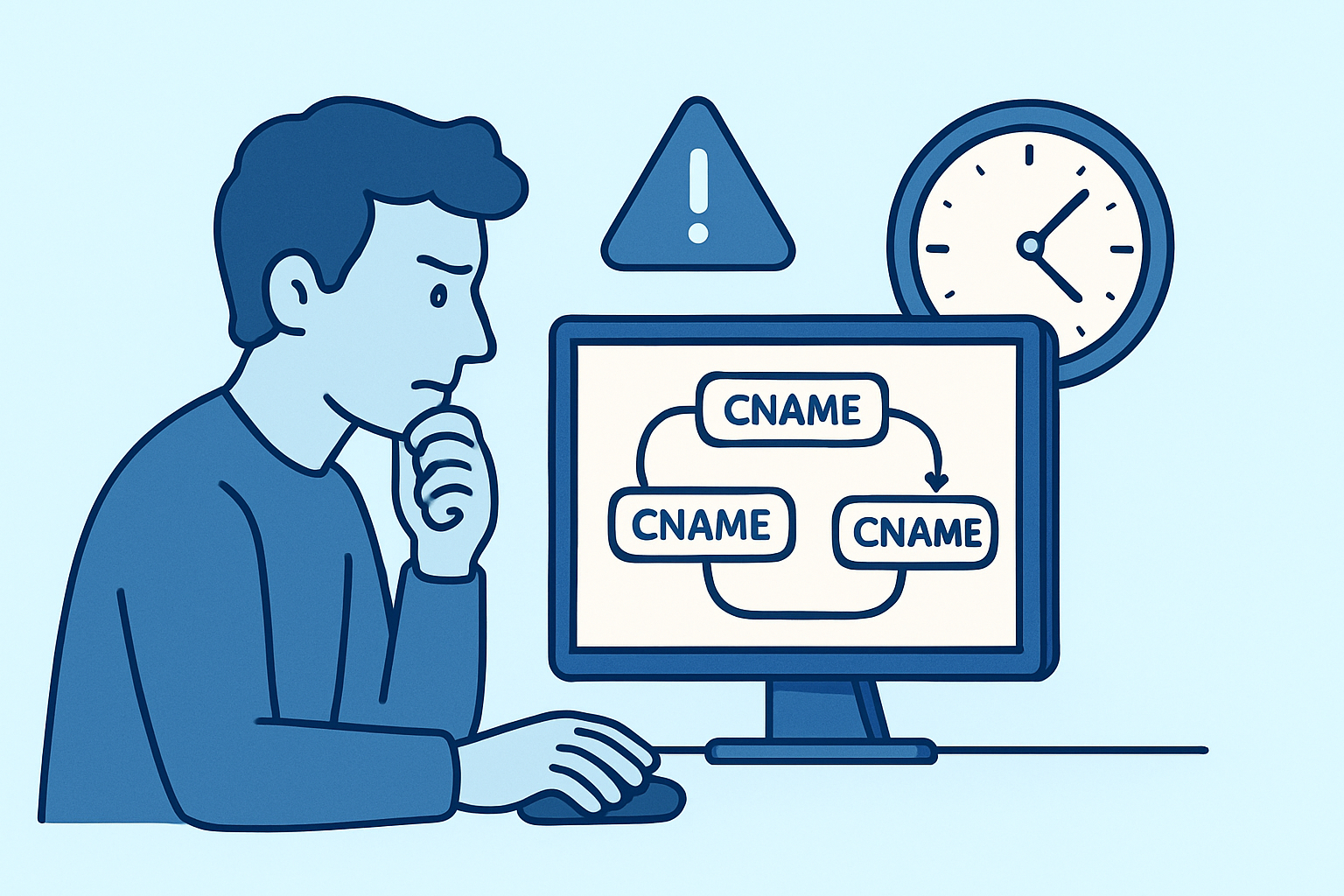
A stale marketing redirect from three DNS providers ago is still live, pointing a landing-page subdomain through two intermediate CNAMEs before it finally lands on a Fastly edge – and nobody notices until a page speed audit flags a 340ms DNS resolution phase that should be under 50ms. That’s the quiet cost of CNAME chains: they work, so they never get fixed, and they keep taxing every visitor who loads the page.
What a CNAME chain actually is
A CNAME record points one hostname to another hostname, not directly to an IP address. That’s fine for a single hop – app.example.com points to example.herokuapp.com, the resolver looks that up, gets an A record, done. The trouble starts when that second hostname is itself a CNAME pointing to a third, which points to a fourth. Each one of those is a separate round trip a recursive resolver has to make before it can hand back an IP address.
This happens more often than most teams realize. A subdomain gets pointed at a CDN vendor’s hostname. Later, the CDN vendor migrates customers to a new provisioning system and adds their own CNAME layer in front of the old one. Then a load balancer service gets bolted on for A/B testing. Nobody removes the earlier hop because nobody’s tracking the whole chain – each team only sees the one record they own.
Why chains add latency even when caching is working
DNS caching helps, but it doesn’t eliminate the problem – it just delays when the cost gets paid. Every CNAME in a chain has its own TTL, and the effective TTL of the whole chain is capped by the shortest one in the sequence. If hop one has a 3600-second TTL but hop three (added by a CDN’s internal load balancer) has a 60-second TTL, the resolver is re-walking part of that chain every minute, even though a human looking at the top-level record would assume it’s cached for an hour.
Each additional hop also means the resolver has to issue a new query, wait for a response, and issue the next one, sequentially. On a warm cache with everything local, that might add only 5-15ms per hop – annoying but survivable. On a cold cache with a resolver like Google’s 8.8.8.8 or Cloudflare’s 1.1.1.1 having to query authoritative servers fresh, each hop can add 20-80ms depending on geographic distance and the authoritative server’s response time. A four-hop chain during a cold lookup can push total resolution past 300ms before the browser even opens a TCP connection.
Mobile networks make this worse. Carrier-grade NAT and higher-latency last-mile links amplify each round trip, so a chain that costs 40ms on a fiber connection in Helsinki can cost 150ms or more over LTE in a rural coverage area.
Common misconception: “CNAME flattening fixes this everywhere”
CNAME flattening – where a DNS provider resolves the chain server-side at the authoritative layer and returns an A record directly to the resolver – is often pitched as a universal fix. It isn’t. Flattening only happens if your DNS provider supports it and you’ve enabled it specifically on the record in question, and even then, some providers only flatten at the zone apex (the root domain) rather than on arbitrary subdomains. A chain sitting on a subdomain hosted with a provider that doesn’t offer subdomain-level flattening will keep resolving hop by hop no matter how good the provider’s reputation is. Check the specific feature, on the specific record type, before assuming it applies.
How to find chains hiding in your zone
Manually tracing chains is tedious because standard `dig` output only shows you the immediate target, not the full path. A practical approach:
Walk it by hand with dig +trace or repeated lookups. Run `dig CNAME app.example.com`, then take whatever hostname comes back and query that too, repeating until you hit an A or AAAA record. Three or more hops is worth investigating.
Use a resolver trace tool. `dig +trace example.com` shows the full delegation path, though for CNAME-specific chains, tools like `resolveip` or online chain-checkers built for this purpose are faster.
Check TTL consistency across the chain. If hop TTLs vary wildly (3600s, then 300s, then 60s), that’s usually a sign the chain was built up by different teams or vendors at different times, not designed as a unit.
An experienced DNS administrator treats this the same way as any other piece of DNS record lifecycle problem – chains accumulate the same way orphaned A records and stale MX entries do, through incremental changes nobody reviews holistically.
Fixing chains without breaking the service behind them
Collapsing a chain means figuring out what each hop was actually for. Sometimes a hop exists for a reason – a vendor requires their own CNAME target for TLS certificate provisioning, for instance, and you can’t just point straight to an IP without breaking that. Sometimes a hop is dead weight left over from a migration that’s long since finished.
The safe process: resolve the final hostname in the chain to its IP address, confirm that IP is stable (some CDNs rotate IPs and explicitly require CNAME usage, in which case flattening or shortening isn’t safe), then either replace the chain with a single CNAME to the final live target, or switch to a flattened A record if your provider supports it and the target truly has a static IP. Test in a staging record with a short TTL before touching production, and watch for TLS certificate mismatches if the removed hop was doing anything with SNI-based routing.
Common mistakes teams make with CNAME chains
Teams often only investigate DNS latency after a Lighthouse or WebPageTest score tanks, rather than treating chain length as a metric worth checking during any zone change. Another frequent mistake is removing an intermediate hop without confirming whether the CDN’s certificate provisioning system depends on that exact CNAME target – breaking HTTPS is a worse outcome than the latency it was meant to fix. A third: assuming a chain that “resolves fine” in a browser is healthy, when browser DNS caching and OS-level caching can mask multi-hop delays that show up clearly in DNS health checks run from a cold resolver.
FAQ
How many CNAME hops is too many?
Two hops is generally tolerable. Three or more is worth fixing, especially on any subdomain involved in a critical user path like checkout or login, where even 100-200ms of added latency affects conversion.
Does a CNAME chain affect SEO?
Not directly through DNS record structure, but resolution latency contributes to page load time, and load time is a factor in Core Web Vitals, which does affect ranking. The connection is indirect but measurable on slow chains.
Can subdomain monitoring catch new CNAME chains automatically?
Yes, if the monitoring tool tracks record changes over time rather than taking a single snapshot. A subdomain that had one clean CNAME hop last quarter and now has three added by a vendor migration is exactly the kind of drift that ongoing subdomain discovery is meant to surface before it becomes a performance complaint from the marketing team.
Chain length is easy to ignore because nothing breaks outright – pages still load, just slower than they should. Treat it the way you’d treat any other form of DNS debt: check it during every subdomain audit, not just when a performance report forces the question.