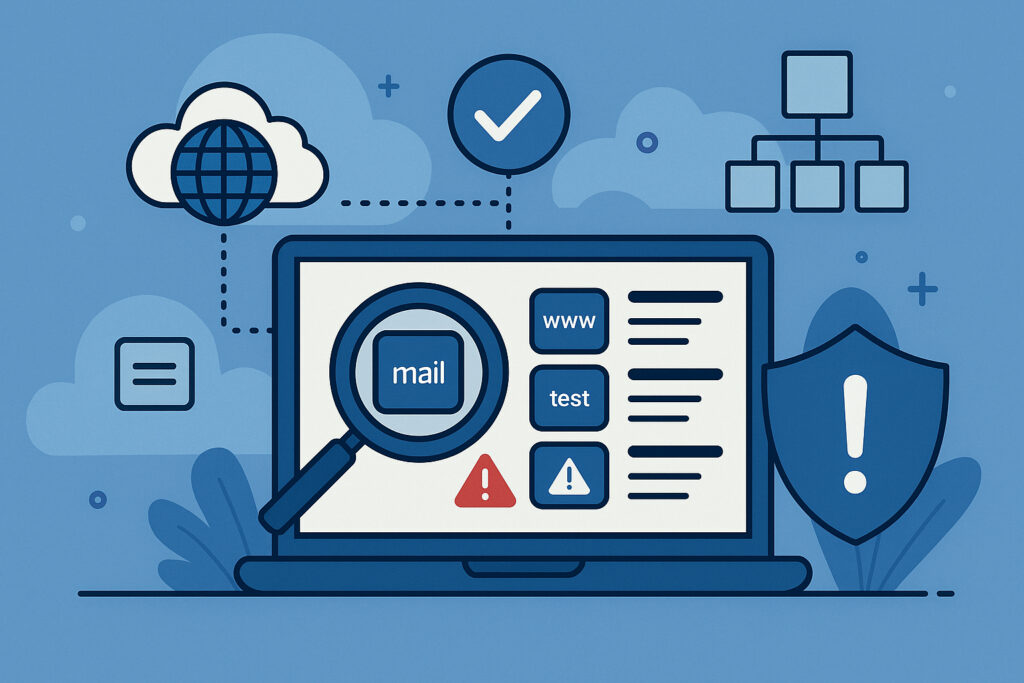
If you’re running any kind of online business or managing multiple websites, your DNS infrastructure is probably more complex than you realize. And here’s the uncomfortable truth: most organizations have absolutely no idea how many subdomains they actually have or what’s pointing where. I learned this the hard way when a subdomain I’d completely forgotten about became a security vulnerability that could have been exploited. That wake-up call taught me that regular DNS audits aren’t optional—they’re essential.
Why Your DNS Infrastructure Needs Regular Auditing
Your DNS records are like the foundation of your online presence. When something goes wrong, everything built on top comes crashing down. But the bigger issue is what you don’t know about. Every forgotten staging environment, every old campaign landing page, every test subdomain that someone created three years ago—they’re all potential security risks sitting there waiting to be exploited.
The scary part? Most companies discover their DNS problems only after something breaks or gets compromised. By then, the damage is done. Regular auditing helps you spot issues before they become disasters, whether that’s a subdomain pointing to an expired service (hello, subdomain takeover attacks) or missing email authentication records that let spammers impersonate your domain.
Step 1: Discover All Your Subdomains
You can’t audit what you don’t know exists. Start by making a complete inventory of every subdomain under your control. This is harder than it sounds because DNS records can be scattered across multiple providers, and there’s no central “list all subdomains” button.
Use DNS enumeration tools to scan your domain systematically. Tools like subfinder, amass, or specialized services can discover subdomains through certificate transparency logs, DNS brute-forcing, and other methods. Don’t rely on manual lists—they’re always incomplete. I once found 47 subdomains I didn’t know existed, including several pointing to services we’d stopped using two years earlier.
Pay special attention to wildcard DNS records. They can mask problems because they’ll resolve any subdomain, making it harder to spot unauthorized or forgotten entries.
Step 2: Map Each Subdomain to Its Purpose and Owner
Once you have your complete list, document what each subdomain is actually for and who’s responsible for it. This sounds tedious, but it’s absolutely critical. Create a spreadsheet with columns for the subdomain, its purpose, the responsible team or person, when it was created, and whether it’s still actively used.
This step often reveals the real problem: nobody knows what half of these subdomains are for anymore. That test.example.com subdomain? The developer who created it left the company 18 months ago. That old-marketing.example.com? That campaign ended in 2022, but the DNS record is still live and pointing to a third-party service you’re not even paying for anymore.
Step 3: Check DNS Health and Configuration
Now examine the technical health of each DNS record. Look for common configuration problems that create security vulnerabilities or performance issues.
Check if any subdomains are pointing to services you no longer control. This is the classic subdomain takeover scenario—if that old test.example.com points to a Heroku app you deleted, someone else could create that app name and suddenly control your subdomain. I’ve seen this happen, and it’s not pretty.
Verify your email authentication records: SPF, DKIM, and DMARC. Missing or misconfigured email authentication makes it trivial for attackers to send emails that appear to come from your domain. Check that your SPF record includes all legitimate mail servers and nothing else. Make sure your DMARC policy is set to at least quarantine, ideally reject.
Look for dangling CNAME records pointing to services that don’t exist anymore. Check that your nameservers are all responding correctly and consistently. Verify that your TTL values make sense—too high and you can’t make emergency changes quickly; too low and you’re creating unnecessary DNS query load.
Step 4: Identify Security Vulnerabilities
Security issues in DNS configuration are surprisingly common. Check for zone transfer vulnerabilities by attempting a zone transfer (AXFR request) against your nameservers—this should be disabled for public queries. Look for information leakage in TXT records; sometimes developers store sensitive information there that shouldn’t be public.
Examine your CAA records. These tell certificate authorities which organizations are allowed to issue SSL certificates for your domain. Without them, anyone could potentially get a legitimate certificate for your subdomain and use it in a phishing attack.
One thing that caught me off guard last year: we had a subdomain with an A record pointing to an IP address we no longer owned. The new owner of that IP could have set up anything and it would have appeared to be our official subdomain. That’s the kind of thing that keeps security professionals up at night.
Step 5: Implement Continuous Monitoring
Here’s the thing about DNS audits: they’re not one-and-done. Your infrastructure changes constantly. New subdomains get created, services move to different IPs, developers spin up test environments and forget about them. A quarterly manual audit will miss most problems.
Set up automated monitoring that continuously checks your DNS infrastructure. You need alerts when new subdomains appear unexpectedly, when existing records change, or when DNS health issues emerge. Automated monitoring catches problems within hours instead of months.
Common Mistakes to Avoid
The biggest mistake is assuming someone else is handling this. In most organizations, DNS management falls between the cracks—it’s not clearly anyone’s job, so nobody does it systematically.
Another common error is focusing only on your main domain and forgetting about subdomains. The attack surface is in those forgotten corners of your DNS infrastructure, not your carefully maintained primary website.
Don’t ignore the boring stuff like TTL values and nameserver redundancy. These unglamorous details matter when something breaks and you need to fix it fast.
How Often Should You Audit?
At minimum, conduct a thorough manual audit quarterly. But honestly, in today’s environment, you should have automated monitoring running continuously with human review whenever alerts trigger. The combination gives you both the automated early warning system and the human judgment to assess and prioritize issues.
Your DNS infrastructure is too important to leave to chance. A systematic audit process helps you maintain security, prevent outages, and sleep better knowing you actually understand what’s happening with your domains. Trust me, the first time automated monitoring catches a problem before it becomes a crisis, you’ll wonder how you ever managed without it.