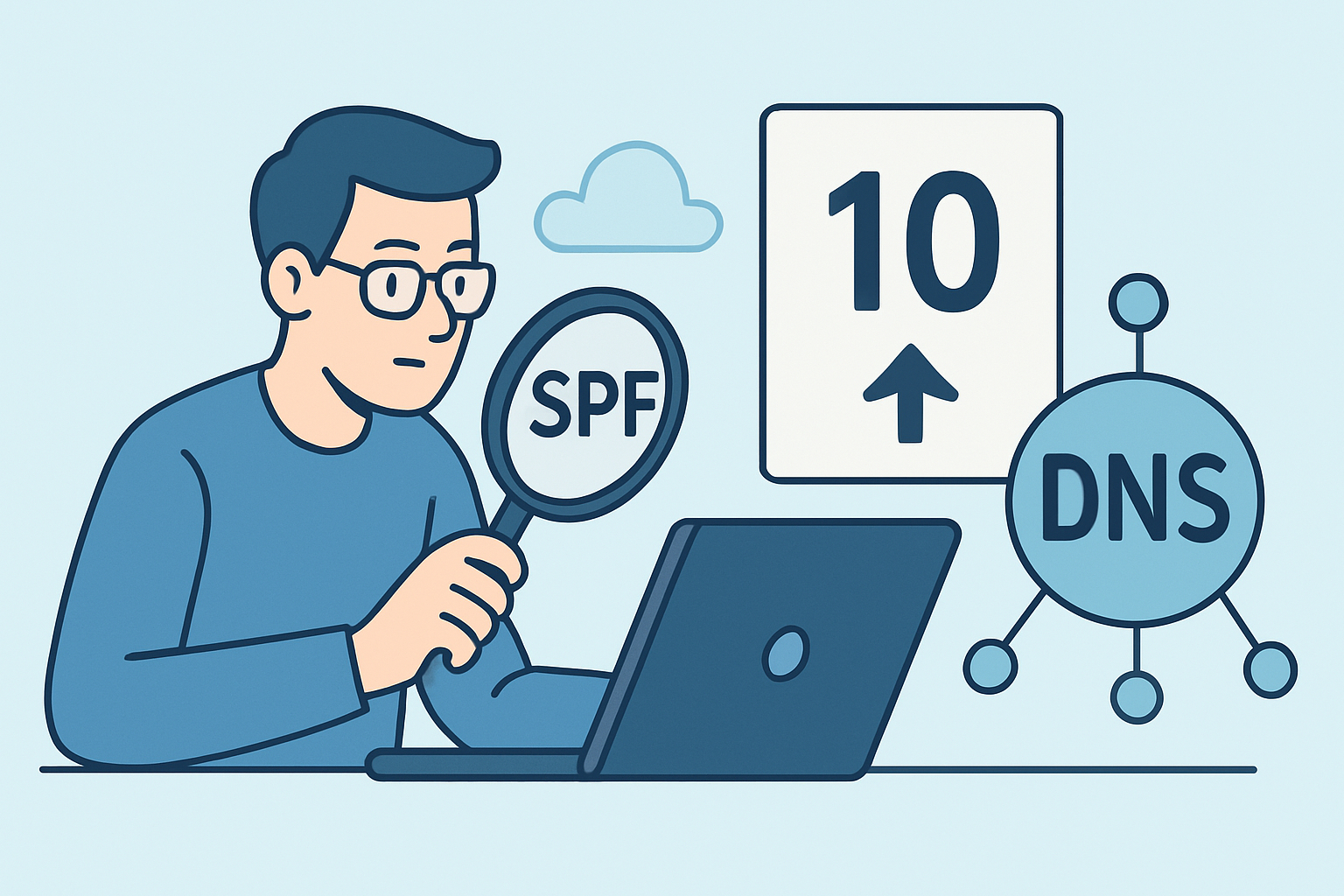
Every SPF record with more than one “include” mechanism is one email migration away from silently breaking, and the ten-lookup ceiling is the reason why. This limit trips up organizations constantly, usually right after they add a third or fourth marketing tool to their sending stack, and the failure mode is nasty because nothing looks wrong until a receiving mail server starts bouncing legitimate mail.
What the ten-lookup ceiling actually limits
RFC 7208 caps SPF evaluation at 10 DNS lookups per check. Not 10 mechanisms, not 10 characters — 10 lookups triggered while a receiving mail server walks through your SPF record. The mechanisms that count against this budget are include, a, mx, ptr, and exists. Plain ip4 and ip6 mechanisms are free because they don’t require a DNS query to resolve.
The catch is that include statements are recursive. If your SPF record includes _spf.google.com, and that record itself includes three more domains, each of those counts toward your total. A single vendor include can eat 2-4 lookups before you’ve added anything else. Stack Google Workspace, Salesforce Marketing Cloud, Mailchimp, HubSpot, and a transactional provider like SendGrid, and it’s common to blow past 10 with room to spare.
Why exceeding the limit doesn’t just cause a warning
Once a validator hits lookup 11, RFC 7208 says the result must be treated as permerror. Most receiving servers then fall back to a fail-open or fail-closed policy depending on their own configuration — some treat it as a soft pass, others reject the mail outright. Google and Microsoft’s enforcement has gotten stricter since 2023, and Gmail’s bulk sender requirements introduced in February 2024 make marginal SPF records far more likely to cause deliverability problems than they did five years ago.
The dangerous part is that a permerror doesn’t produce a clean bounce with a helpful error message. Mail just starts landing in spam, or gets silently dropped by servers with aggressive filtering, and nobody notices until a sales team asks why prospects stopped responding to outreach that was supposedly delivered.
Common misconception: it’s about the number of includes you write
A lot of admins assume they’re safe because their SPF record only has four or five include: statements listed directly. That’s not how the count works. The evaluator recurses into every nested include, so what matters is the total flattened lookup count, not the number of lines in your own record.
Run a real check: _spf.google.com alone resolves to three sub-includes covering different Google IP ranges. Add Zendesk’s include and you inherit its dependencies too. It’s entirely possible to have a five-line SPF record that flattens to 14 or 15 actual lookups. Testing with a tool that only counts top-level includes gives a false sense of safety.
How to count your actual lookup total
An experienced DNS admin doesn’t eyeball the record — flattening has to be traced by hand or with a purpose-built SPF validator that walks the full recursion tree. The manual version looks like this:
Pull the TXT record for the domain and identify every include, a, mx, ptr, and exists mechanism. For each include, resolve that target domain’s own SPF record and repeat the process. Keep a running tally as you go deeper into the tree, and stop only when every branch terminates in ip4, ip6, or a terminal all. A record with even three or four vendor includes commonly needs two or three levels of recursion before you reach the bottom.
Tools like Kitterman’s SPF record testing tool or dmarcian’s SPF Surveyor automate this, but cross-check the total manually at least once so you understand which vendor is contributing the most lookups. That’s usually the first thing worth trimming.
Fixing a record that’s already over the limit
The most reliable fix is SPF flattening — resolving every include down to its underlying ip4/ip6 ranges and hardcoding those directly into your record, since ip4/ip6 mechanisms don’t count against the limit. This works, but it introduces a maintenance burden: if a vendor rotates their sending IP ranges (SendGrid has done this multiple times), your flattened record goes stale and starts rejecting legitimate mail from that provider until someone manually updates it.
The alternative is consolidation. Many organizations discover they’re still including a vendor’s SPF record for a tool they stopped using two years ago — an old marketing automation platform, a defunct helpdesk, a one-off transactional email test. Removing dead includes is lower-risk than flattening and should always happen first. Only flatten what’s left after cleanup.
A third option, increasingly common among larger senders, is consolidating outbound mail through fewer relays — routing marketing, transactional, and support email through one or two providers that handle sub-includes efficiently, rather than accumulating a new include every time a department adopts a new SaaS tool.
Mistakes that make this worse
Three patterns show up repeatedly in SPF audits. First, teams add a new vendor’s include without ever removing the old one when switching providers — the record grows monotonically and nobody owns cleanup. Second, nobody re-tests the flattened count after adding a vendor; they check that the syntax is valid and assume that’s sufficient, missing that valid syntax and a valid lookup count are two different things. Third, and most common: the record only gets checked after a delivery failure is already reported by a customer or sales rep, rather than as a scheduled review. By the time someone investigates, the record may have quietly crossed 10 lookups weeks earlier, and diagnosing which change caused it requires reconstructing history that DNS itself doesn’t retain.
FAQ
Does exceeding 10 lookups always cause emails to fail?
Not universally — RFC 7208 mandates permerror at lookup 11, but how a receiving server handles permerror varies. Some treat it as neutral, others as fail. Gmail and Microsoft 365 tend to be strict, which is why records that “seem to work” can start failing when a major receiver tightens enforcement.
Do ip4 and ip6 mechanisms count toward the limit?
No. Only include, a, mx, ptr, and exists trigger DNS lookups during evaluation. This is exactly why flattening — replacing includes with their resolved IP ranges — brings a record back under the ceiling.
How often should SPF lookup counts be reviewed?
At minimum, every time a new sending vendor is added or removed, plus a scheduled check every quarter. Vendors change their own SPF includes without notice, so a record that was compliant six months ago can drift over the limit without any change on your end.
SPF lookup counts drift upward quietly, one vendor integration at a time, until a permerror starts eating deliverability nobody’s watching for. Treat the flattened lookup count as a number to check every time DNS changes, not a one-time setup step — and if a subdomain still carries an SPF include for a tool your team dropped last year, that’s usually the fastest three lookups you’ll ever recover.