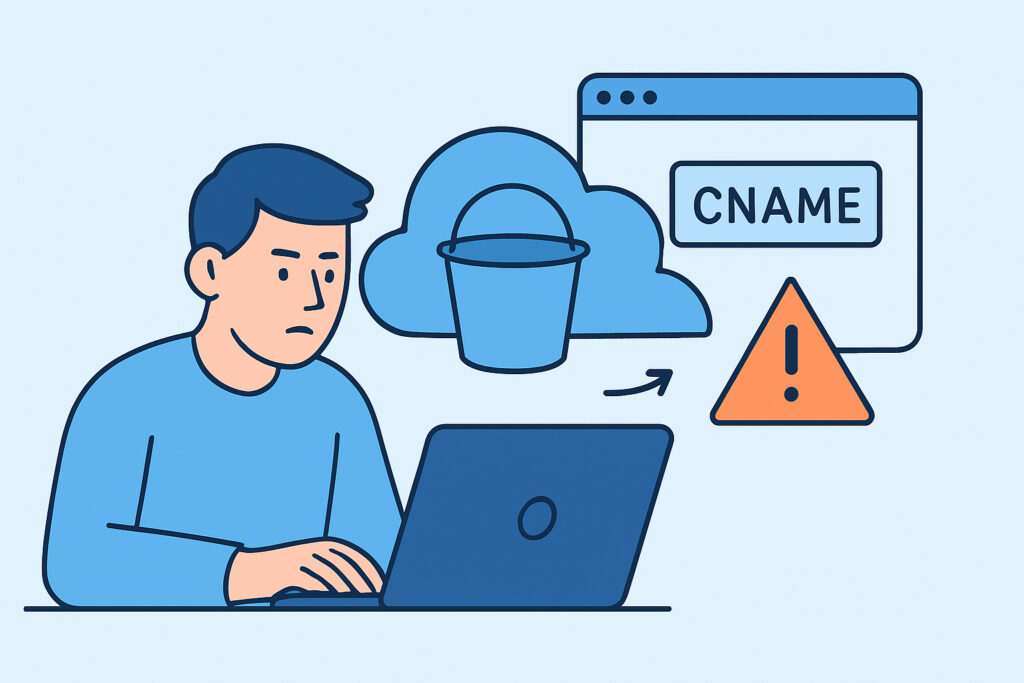
A CNAME pointing at a cloud storage bucket is one of the easiest DNS records to create and one of the easiest to forget. Anyone who manages DNS for a company that uses AWS S3, Azure Blob Storage or Google Cloud Storage probably has a few of these records, and some of them may point at buckets that no longer exist. This article explains how cloud storage buckets left reachable via CNAME turn into takeover and data exposure risks, how to find them and how to clean them up before someone else finds them first.
Why Bucket CNAMEs Outlive the Buckets Behind Them
The pattern is familiar. A marketing team launches a campaign in spring 2023 and needs a place for downloadable PDFs and images. Someone creates an S3 bucket called assets-campaign.example.com, turns on static website hosting and adds a CNAME in Cloudflare pointing to assets-campaign.example.com.s3-website-eu-west-1.amazonaws.com.
The campaign ends. In a cost review 14 months later, a cloud engineer deletes the bucket. The DNS zone belongs to a different team, so nobody touches the record. Nothing breaks and nobody gets paged, and the dangling record can sit there for years.
The cause is organizational, not technical. Cloud consoles and DNS providers live in separate permission models, often under separate owners, and deleting a resource in one never triggers a check in the other. Our earlier piece on cloud-driven DNS blind spots covers this gap in more detail.
How a Dangling Bucket CNAME Becomes a Takeover
S3 bucket names are globally unique across all AWS accounts. Once a bucket is deleted, the name goes back into the shared pool. For CNAME-based website hosting, S3 requires the bucket name to match the hostname exactly, so an attacker knows precisely which name to register.
The attack takes about five minutes. The attacker resolves the subdomain and sees a CNAME to an S3 website endpoint. They send an HTTP request and get back a 404 with NoSuchBucket in the body. Then they create a bucket with that name in their own AWS account, enable website hosting and upload content. Your subdomain now serves their pages with your domain’s reputation.
Azure works the same way. Storage account names under blob.core.windows.net and static website endpoints under web.core.windows.net can be re-registered after deletion. The fingerprint is an error such as ResourceNotFound or an InvalidUri response.
Google Cloud Storage is the notable exception. Pointing a CNAME to c.storage.googleapis.com only works if the bucket owner has verified ownership of the domain through Google Search Console. An attacker can’t claim assets.example.com in GCS without proving they control example.com. A dangling GCS CNAME is still clutter worth removing, but it’s rarely exploitable. The community-maintained can-i-take-over-xyz repository on GitHub tracks which services are vulnerable, and it’s worth checking before you triage a finding.
Myth: A Deleted Bucket Just Returns an Error, So It’s Harmless
This is the most common misconception about the subdomain takeover risk from cloud storage CNAMEs. Teams see the NoSuchBucket error, assume the endpoint is dead and move the cleanup ticket to “low priority.”
That error is exactly what an attacker is looking for. Automated scanners using nuclei takeover templates, subjack or dnsReaper crawl certificate transparency logs and passive DNS data looking for that signature. In early 2025, watchTowr researchers registered around 150 abandoned S3 buckets that had once belonged to government agencies, Fortune 500 companies and open-source projects. Over two months those buckets received more than 8 million requests for software updates, CloudFormation templates, VM images and JavaScript files. Every one of those requests could have been answered with malicious content.
Once hijacked, the subdomain can host phishing pages, serve malware or receive cookies scoped to .example.com. It can also be used to get a valid TLS certificate through HTTP-01 validation from Let’s Encrypt.
The Other Risk: Buckets That Still Exist
Not every issue involves a deleted bucket. Sometimes the bucket is still there, still public and still reachable through a friendly hostname that nobody remembers. A CNAME like backups.example.com pointing to an S3 bucket with ListBucket granted to everyone returns a full XML index of every object in it.
An experienced cloud security engineer checks both states. If the bucket exists, is it public on purpose? Does object listing work? Does it hold anything besides the intended assets? If the bucket is gone, can the name be registered by anyone? Answering these takes minutes per record, and a zone with 300 records usually has fewer than 20 storage-related CNAMEs.
Auditing Your Zone for Storage Bucket CNAMEs
A practical audit follows this order:
1. Export every zone you control, including zones at secondary providers and ones inherited through acquisitions, and filter CNAME targets for amazonaws.com, core.windows.net, storage.googleapis.com, digitaloceanspaces.com and r2.dev.
2. Send an HTTP GET to each matching hostname and record the status code and response body, looking for NoSuchBucket, ResourceNotFound or similar fingerprints.
3. For every target that responds, confirm which cloud account owns the bucket. If no one in your organization can find it, treat that as an incident.
4. Delete the DNS record first, then the bucket, and write down that ordering rule in your runbook.
5. Add the check to continuous DNS monitoring instead of repeating it once a year.
The ordering in step four is the most important lesson. Deleting the bucket first opens a window, and in practice that window lasts until someone happens to notice.
Wildcard records add another wrinkle. A wildcard CNAME to a storage endpoint makes every undefined subdomain a potential target, and a zone export will show only one line for it.
Common Mistakes That Keep These Records Alive
The first mistake is scanning only the zones the security team knows about. Acquired brands, regional domains and campaign domains registered on a marketing manager’s card are often where the oldest bucket CNAMEs live.
The second is trusting the cloud inventory instead of DNS. An AWS Config report lists buckets that exist, not DNS records pointing at buckets that don’t. The DNS zone should be the starting point.
The third is fixing the one instance a bug bounty report found and stopping there. If one bucket CNAME was left dangling, the process that caused it has probably left others behind. If a takeover has already happened, follow a structured subdomain takeover incident response before just deleting the record. You’ll want logs and evidence first.
Small teams with under 10 people and a single AWS account can often get by with a quarterly manual check. Once DNS and cloud accounts are managed by different people, a manual check will miss things.
Frequently Asked Questions
Does enabling S3 Block Public Access prevent bucket takeover?
No. Block Public Access controls access to buckets you own. Once a bucket is deleted, the setting no longer applies, and a new bucket with the same name is controlled entirely by whoever creates it.
Is putting CloudFront in front of the bucket safer?
Somewhat. CloudFront now requires a valid certificate covering the alternate domain name, which makes claiming your hostname much harder. The origin bucket can still be exposed if it’s public, and the CNAME to a deleted distribution still needs cleanup. See our guide to dangling CNAME records for the broader pattern.
How quickly do attackers find dangling bucket CNAMEs?
Often within days. New certificates show up in CT logs within minutes, and passive DNS datasets are scanned continuously. Assume that a vulnerable record will be found.
The Habit That Prevents Most of This
Treat every storage bucket with a custom hostname as a resource with two halves, and never decommission one half without the other. Remove the DNS record first, delete the bucket second, and use continuous monitoring to catch cases where someone skips the first step.